


 İnstagram
 Facebook
How to Prevent Your Smartphone From Developing Screen Burn-In
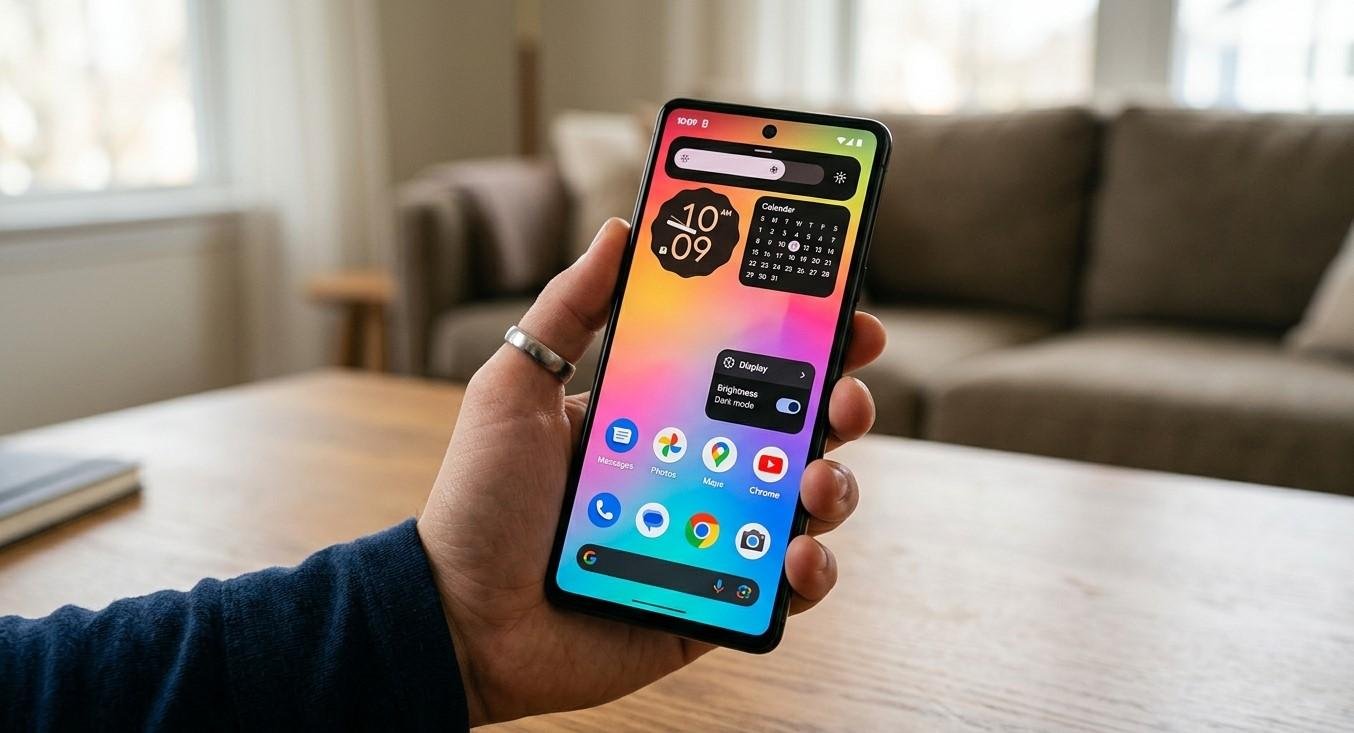
A smartphone display is one of the most important parts of a modern mobile device. Whether you are watching videos, browsing websites, using social media, navigating, or reading messages, you spend much of your time interacting with the screen. However, prolonged display use can sometimes contribute to screen burn-in, particularly on OLED and AMOLED displays. Screen burn-in occurs when certain images or interface elements become permanently visible even after the content changes. Although modern displays include technologies designed to reduce this risk, responsible usage and proper maintenance can help protect screen quality. At NanoTech Mobile, professional technicians can assess display problems and determine whether unusual screen behaviour is caused by burn-in, software issues, or physical damage. Whether you need dependable iphone repair in regina or professional samsung phone repair in regina, understanding how screen burn-in develops can help you take better care of your device.
What Is Screen Burn-In?
Screen burn-in is a form of permanent image retention that can occur when certain pixels experience uneven wear over an extended period.
It is most commonly associated with OLED and AMOLED displays because individual pixels produce their own light. When certain areas repeatedly display bright or static elements, those pixels may age differently from surrounding pixels.
You might eventually notice faint outlines of:
- Navigation bars.
- App interface elements.
- Status icons.
- Keyboard layouts.
- Logos.
- Other frequently displayed graphics.
Burn-in is different from temporary image retention, which may disappear after the screen displays different content for some time.
Why Screen Burn-In Happens
OLED displays rely on organic light-emitting materials that naturally change over time.
Repeatedly displaying the same bright elements can cause some pixels to age faster than others. High brightness and extended periods of static content can increase the likelihood of noticeable uneven wear.
This does not mean normal smartphone use will automatically cause burn-in. Modern devices include software and hardware features intended to reduce the risk.
1. Avoid Maximum Brightness for Long Periods
High brightness increases the workload placed on individual display pixels.
Using maximum brightness occasionally is generally unavoidable, especially outdoors, but keeping the display at its highest setting for hours every day can contribute to faster pixel aging.
Whenever possible, use automatic brightness or select a comfortable brightness level appropriate for your environment.
2. Use Automatic Screen Timeout
Leaving the screen active when you are not using the phone unnecessarily increases display usage.
Set a relatively short screen timeout so the display turns off automatically after a period of inactivity.
This is especially useful if you frequently put your phone down without manually locking it.
A shorter timeout can also reduce unnecessary battery consumption.
3. Avoid Keeping Static Images on Screen
Static content displayed continuously can contribute to uneven pixel wear.
Examples include:
- Navigation interfaces.
- Games with fixed controls.
- Always-visible menus.
- Certain dashboard applications.
- Static logos.
If you use an application with persistent interface elements for extended periods, take regular breaks or switch to different content.
4. Use Dark Mode When Appropriate
Dark Mode can reduce the amount of power consumed by OLED displays and may reduce the number of pixels actively producing light.
Using dark themes where available can be a useful display-care habit, particularly if you spend long periods using your phone.
Dark Mode is not a guaranteed solution for preventing burn-in, but it can reduce the amount of bright content displayed continuously.
5. Keep the Display Brightness Adaptive
Modern smartphones often include adaptive or automatic brightness features.
These systems adjust display brightness based on surrounding lighting conditions.
Using adaptive brightness can prevent the display from remaining unnecessarily bright indoors while still allowing sufficient visibility outdoors.
This can contribute to more efficient everyday screen use.
6. Avoid Leaving Your Phone in Direct Sunlight
Direct sunlight can cause the display and other internal components to become extremely warm.
Excessive heat can negatively affect electronic components and battery health, while users may also increase brightness to compensate for strong sunlight.
Avoid leaving your smartphone exposed to direct sunlight for extended periods.
If the device becomes hot, move it to a cooler environment and allow it to return to a normal operating temperature naturally.
7. Take Breaks From Static Applications
If your daily activities involve applications with fixed interface elements, consider changing content periodically.
For example, if you use navigation for long periods, give the display breaks when it is safe and practical.
Similarly, avoid leaving games, dashboards, or other static screens open unnecessarily when you are not actively using them.
Small changes in usage habits can reduce prolonged exposure to identical screen elements.
8. Keep Your Smartphone Software Updated
Software updates can include display-management improvements and features designed to optimize device performance.
Keep your operating system updated through official system settings.
Manufacturers may use software techniques such as pixel shifting or interface adjustments to reduce the amount of time specific pixels remain in exactly the same position.
Installing legitimate updates helps ensure these features continue functioning properly.
9. Be Careful With Third-Party Display Settings
Some applications and customization tools may override standard display behaviour.
Brightness-boosting tools, static wallpapers, or applications that prevent screen timeout can increase display usage.
Review applications that significantly alter screen behaviour and remove unnecessary tools.
Use built-in display controls whenever possible.
Screen Burn-In vs. Temporary Image Retention
Not every faint image remaining on a screen means permanent burn-in.
Temporary image retention may disappear after changing the displayed content or allowing the device to remain idle.
Permanent burn-in typically remains visible under different content and may become more noticeable over time.
If you are uncertain, professional assessment can help determine whether the display has permanent damage.
What to Do If You Notice Burn-In
If you notice faint icons or other persistent images, first reduce brightness and avoid displaying the same content continuously.
Restart the device and test different backgrounds and applications.
If the image remains visible across different content, the display may have developed permanent uneven pixel wear.
At NanoTech Mobile, technicians can evaluate display symptoms and determine whether the problem is related to burn-in, software behaviour, or another screen issue.
When Professional Screen Repair Is Needed
Professional assistance may be appropriate if you notice:
- Persistent ghost images.
- Discoloration.
- Flickering.
- Unresponsive screen areas.
- Lines across the display.
- Touchscreen problems.
- Screen damage following an impact.
Not every display problem is burn-in. A professional diagnosis can help identify the actual cause before deciding on a repair.
Protecting Your Display for the Long Term
Good display habits should be combined with physical protection.
Use a suitable case, protect the phone from drops, keep the screen clean, and avoid exposing the device to extreme temperatures.
Preventive care can help maintain display quality while reducing the risk of other forms of screen damage.
Conclusion
Preventing screen burn-in is largely about reducing prolonged exposure to bright, static content and managing display usage responsibly. Using moderate brightness, automatic screen timeout, adaptive brightness, dark mode, and regular software updates can help reduce unnecessary display stress. It is also wise to avoid leaving static applications running for extended periods and to protect the smartphone from excessive heat. If you notice persistent ghost images, discoloration, flickering, or other unusual display behaviour, professional assessment can determine whether burn-in or another issue is responsible. At NanoTech Mobile, experienced technicians can diagnose smartphone display problems and recommend an appropriate solution. Whether you need reliable iphone repair in regina or professional samsung phone repair in regina, proper display care and timely attention to screen problems can help preserve your smartphone's visual quality and extend its useful life.

 Türkçe
 English
 Arabic
 Deutsch