


 İnstagram
 Facebook
How to Fix iPhone Battery Percentage Stuck or Not Updating
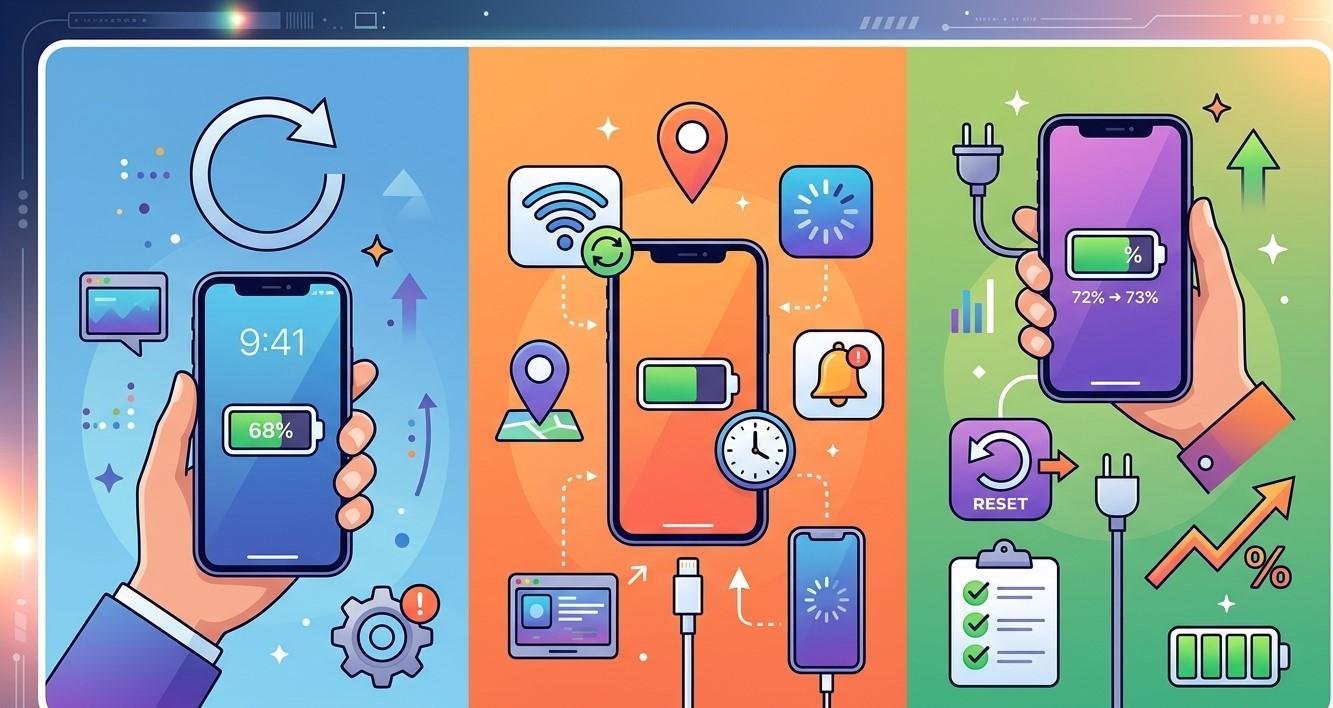
Your iPhone's battery percentage helps you understand how much power remains and when you need to recharge. But sometimes the percentage can become stuck, fail to update correctly, or suddenly jump from one number to another. For example, your iPhone might remain at 50% for a long time and then suddenly drop to 20%, or the percentage may not change even while the phone is charging.
A stuck battery percentage can be caused by a temporary software glitch, an inaccurate battery reading, outdated iOS, charging problems, or an aging battery. In some cases, it may indicate a hardware problem that requires professional attention.
If your iPhone battery percentage consistently behaves incorrectly, professional iPhone repair Brooklyn NY can help identify the cause. Avenue D Cellular provides professional iPhone diagnostics, battery replacement, charging repairs, and iPhone screen repair Brooklyn.
Why Is My iPhone Battery Percentage Stuck?
Several different issues can cause the battery percentage to stop updating properly.
Common causes include:
- Temporary iOS glitches
- Battery calibration issues
- Outdated software
- Charging problems
- Faulty charging accessories
- An aging battery
- Excessive device temperature
- Background software activity
- Battery sensor or internal hardware problems
The good news is that many basic problems can be addressed without immediately replacing the battery.
1. Restart Your iPhone
Restarting the device is one of the easiest troubleshooting steps.
A temporary software error may prevent the battery indicator from refreshing correctly.
Turn your iPhone off, wait a few seconds, and turn it back on.
After restarting, check whether the battery percentage begins changing normally.
If the problem disappears, it may have been caused by a temporary system glitch.
If the percentage remains stuck, continue with the following steps.
2. Check Your Charging Cable and Adapter
If the battery percentage is stuck while charging, inspect the charging equipment.
A damaged cable or unreliable power adapter may prevent the iPhone from charging correctly.
Look for:
- Frayed cables
- Bent connectors
- Loose connections
- Damaged insulation
- Overheating
- Intermittent charging
Try a reliable compatible cable and power adapter.
If the battery percentage starts updating normally with different accessories, your original charging equipment may have been responsible.
3. Check the Charging Port
A dirty charging port can prevent the cable from making a proper connection.
Dust and lint can accumulate inside the port and interfere with charging.
Inspect the port carefully in good lighting.
Don't use sharp metal objects to remove debris because you could damage delicate internal components.
If the port is heavily obstructed or appears damaged, professional cleaning or repair may be appropriate.
Charging port problems can also cause symptoms such as slow charging, intermittent charging, or a cable that doesn't remain securely connected.
4. Keep Your iPhone at a Normal Temperature
Temperature can affect battery performance and charging.
Your iPhone may temporarily change or limit charging behavior when it becomes too hot or too cold.
If the device feels unusually warm, stop demanding activities and move it away from direct sunlight or other heat sources.
Allow the phone to return to a normal temperature before charging again.
Avoid extreme cooling methods such as placing a hot iPhone in a freezer.
5. Update iOS
Software updates can resolve bugs that affect battery reporting and device performance.
Check whether your iPhone has an appropriate iOS update available.
If an update is available, install it according to Apple's normal update process.
After updating, restart the device and monitor the battery percentage.
If the issue appeared after a software update, observe whether it continues consistently or resolves after subsequent system updates.
6. Check Battery Health
Your iPhone provides battery health information that can help you understand the condition of the battery.
A significantly degraded battery may not behave the same way as a newer battery.
Possible signs of battery degradation include:
- Rapid battery drain
- Unexpected shutdowns
- Slow charging
- Battery percentage changes
- Reduced battery life
- Performance problems
Battery health information should be considered alongside actual symptoms.
If your battery health has declined significantly and the phone is experiencing multiple battery-related problems, professional battery replacement may be appropriate.
7. Try a Full Charging Cycle
If the battery percentage appears inaccurate, allowing the phone to charge normally and then monitoring its performance may help you determine whether the indicator is behaving consistently.
Connect the iPhone to a reliable charger and allow it to charge normally.
Avoid repeatedly disconnecting and reconnecting the cable just to see whether the percentage changes.
After charging, use the phone normally and observe whether the percentage decreases gradually.
If the percentage remains frozen or jumps dramatically, further diagnosis may be needed.
8. Check for Background Activity
Sometimes the battery percentage appears unusual because the device is performing background tasks.
Applications may synchronize information, download files, process photos, or perform other tasks without constant interaction.
Review battery usage to identify applications that are consuming unusually large amounts of power.
If one application is responsible for excessive battery consumption, updating, reinstalling, or adjusting its settings may help.
9. Reset Network or System-Related Settings When Appropriate
If battery behavior is accompanied by other software problems, certain system settings may be contributing to unusual behavior.
Before performing any reset, understand what information or settings will be affected.
A network settings reset, for example, removes saved Wi-Fi networks and other network configurations but does not replace the battery or repair hardware.
If the battery indicator problem persists despite software troubleshooting, professional diagnosis may be more useful than repeatedly resetting settings.
10. Look for Signs of Battery Damage
A battery percentage that behaves strangely can sometimes indicate a hardware problem.
Pay particular attention if you notice:
- The phone shuts down unexpectedly.
- Battery percentage jumps suddenly.
- The iPhone becomes unusually hot.
- The battery drains extremely quickly.
- The screen begins lifting from the frame.
- Charging repeatedly stops.
- The phone behaves differently after a drop or liquid exposure.
A swollen battery requires immediate attention.
If the display is separating from the phone because of possible battery swelling, don't press it back into place. Stop using the device and seek professional service.
Can a Stuck Battery Percentage Mean You Need a New Battery?
Not necessarily.
A stuck percentage can be caused by software or charging problems, so battery replacement isn't always the answer.
However, if the problem occurs alongside severe battery drain, unexpected shutdowns, excessive heat, or significant battery degradation, professional battery testing can help determine whether replacement is appropriate.
A technician can inspect the battery and charging system rather than replacing parts unnecessarily.
When Should You Get Professional iPhone Repair?
Consider professional iPhone repair Brooklyn NY if:
- The battery percentage remains stuck repeatedly.
- The percentage changes dramatically without normal use.
- Your iPhone shuts down unexpectedly.
- Charging is inconsistent.
- The device becomes unusually hot.
- The battery appears swollen.
- Problems started after physical or liquid damage.
- Different charging accessories don't solve the issue.
A professional technician can evaluate the battery, charging port, power components, and software-related symptoms to identify the actual cause.
If the phone has also suffered display damage, professional iPhone screen repair Brooklyn may be required.
How to Prevent Battery Problems
Good everyday habits can help maintain battery performance.
Use reliable charging accessories and avoid exposing your iPhone to extreme temperatures.
Keep iOS updated and monitor applications that consume excessive battery power.
Protect the device from drops and liquid exposure.
Don't ignore unusual swelling, overheating, or repeated shutdowns.
Regularly backing up your iPhone is also important so your important information remains protected if the device develops a serious hardware problem.
Why Choose Avenue D Cellular?
If you're searching for reliable iPhone repair Brooklyn NY, Avenue D Cellular provides professional diagnostics and repair services for common iPhone problems.
Services can include:
- Battery diagnostics
- Battery replacement
- Charging port repair
- Charging troubleshooting
- Screen replacement
- iPhone screen repair Brooklyn
- Camera diagnostics
- Speaker and microphone repair
- General hardware inspection
Professional diagnosis can help determine whether a stuck battery percentage is caused by the battery, charging system, software, or another internal component.
Final Thoughts
An iPhone battery percentage that gets stuck or doesn't update correctly can be frustrating, but it doesn't automatically mean the battery needs replacement. Start by restarting the phone, checking your charging cable and adapter, inspecting the charging port, keeping the device at a normal temperature, and installing appropriate software updates.
If the problem continues, review battery health and look for additional symptoms such as rapid drain, unexpected shutdowns, overheating, or inconsistent charging.
Persistent problems may indicate battery degradation or an internal hardware issue. In that case, professional diagnosis is the best way to determine the appropriate solution.
For dependable iPhone repair Brooklyn NY, Avenue D Cellular provides professional battery, charging, display, and diagnostic services. Whether you need battery replacement or iPhone screen repair Brooklyn, getting persistent problems checked early can help maintain your iPhone's performance and reliability.

 English
 Arabic
 Deutsch
 Russian